
Start with the operator's decision
A useful display is not a poster of the process. It is a decision surface. Begin with the questions an operator must answer: what is happening, what is changing, what needs attention, and what action is safe.
High-performance practice reduces decorative competition so process values, equipment state, trends, and alarms can carry meaning. That principle matters more than any single palette or drawing style.
Build the hierarchy
- 01
Overview
Show production context, constraints, and the few conditions that require navigation.
- 02
Area
Group equipment by process purpose and make flow and operating mode easy to scan.
- 03
Detail
Expose commands, permissives, measurements, and diagnostics at the point of action.
- 04
Support
Provide trends, alarm context, and procedural information without crowding the operating view.
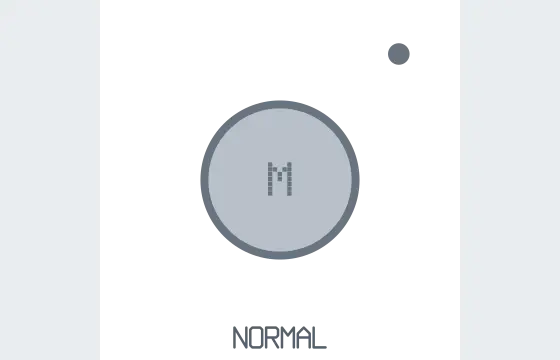
Compare the visual languages


Frequently asked questions
- Does a high-performance HMI have to be gray?
- No. The goal is visual hierarchy: normal conditions should stay quiet enough that abnormal conditions are immediately noticeable.
- Does this guide make a project ISA-101 compliant?
- No. It is an educational interpretation, not a conformity assessment or substitute for the current standard and project requirements.
Sources and boundaries
KonnectSymbols is independently developed and is not endorsed by ISA, IEC, or ISO. These educational notes do not reproduce or replace current standards, project specifications, regulations, or an approved project legend.
- ISA-101 Human-Machine InterfacesInternational Society of Automation. Official publisher page for the ISA-101 series. The full standard requires publisher access.